MySchoolBucks
What is MySchoolBucks?
MySchoolBucks provides parents and guardians with the ability to prepay for meals, pay bus transportation, and purchase any other school store-related products anytime, anywhere, from any Internet-connected device.
Do you have questions on how to add a student or make a meal payment?
Please use the MySchoolBucks Parent User Guide to answer your questions.
How to use MySchoolBucks | |
|---|---|
Step 1: | To begin registration go to MySchoolBucks.com or download the mobile App |
Step 2: | Log in with your account if you already have one (i.e., if you used it to purchase school meals). |
Step 3: | (if needed): Adding students to your account Please be sure to type in your student's name as it is listed in our Student Information System, Aspen (i.e., no nicknames) and a birthdate., When asked for a school, please type the school's full name: Chandler Elementary School |
Step 4: | Once you have logged in,
|
If you have questions, please reach out to your school office. Bus transportation questions, email: bux@duxbury.k12.ma.us Billing/Invoice questions: please contact Lisa Freeley (lfreeley@duxbury.k12.ma.us) General questions: please contact Elizabeth Burns (eburns@duxbury.k12.ma.us Parent Support: 855.832.5226 Mon-Fri 7 am- 7 pm EST. Chat is available on MySchoolBucks.com https://www.myschoolbucks.com/ |
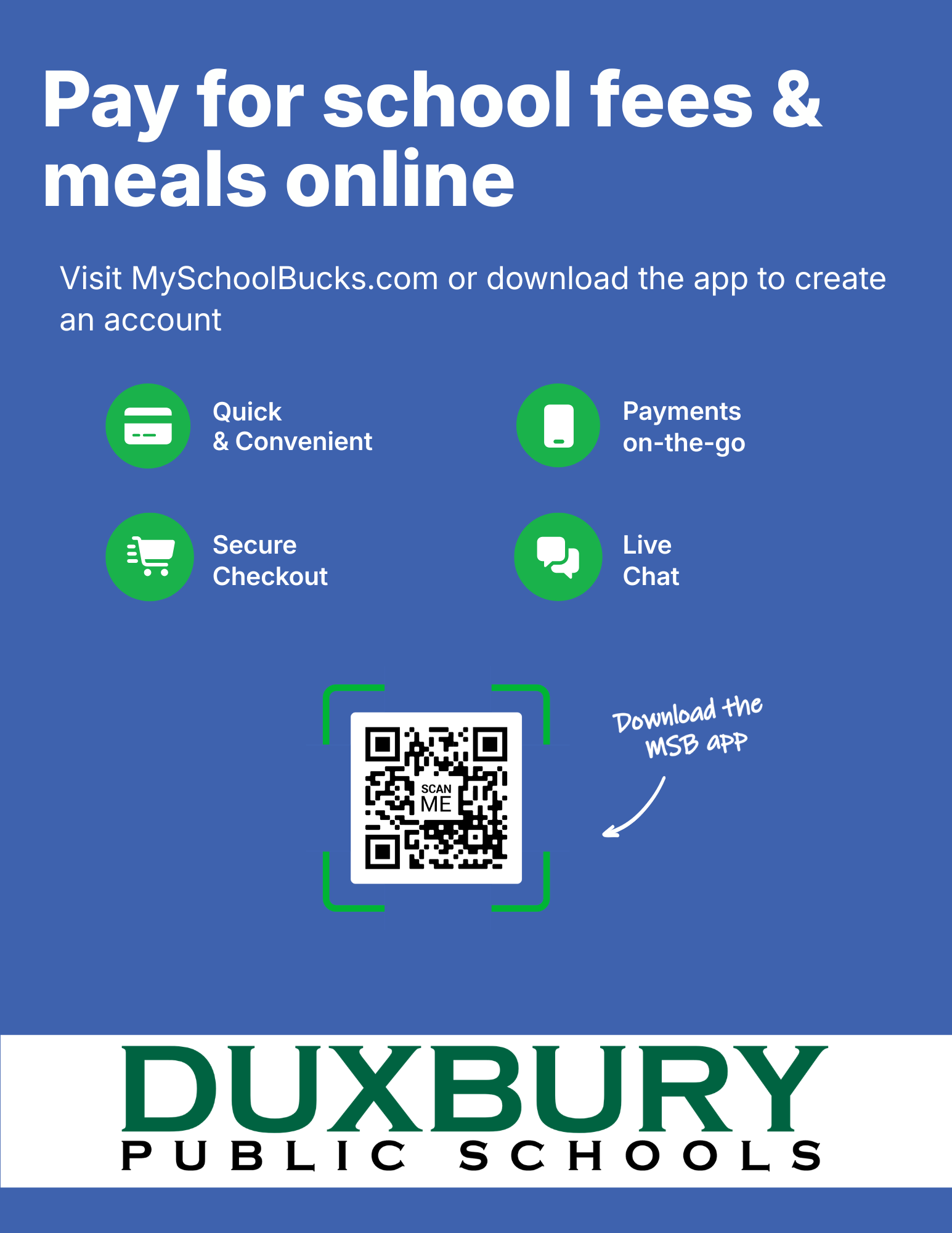
Create your free MySchoolBucks account to conveniently and securely pay for your student’s school fees online or with the mobile app.
With MySchoolBucks you’ll be able to quickly browse school items in our School Store, be notified when fees are due, and make payments from anywhere!
Get Started Today:
Go to myschoolbucks.com or download the mobile app
Create your free account and add your students using their school name / student ID
Add school items or invoices to your cart
Check out using your credit / debit card or electronic check
If you need assistance with your account, you can find helpful how-to videos and answers to commonly asked questions by visiting myschoolbucks.com. Or, you can contact MySchoolBucks directly by logging into your account to start a chat conversation or give them a call at (855) 832-5226.